
← Products
Product · Web / Progressive Web App
Model 8 Pinball
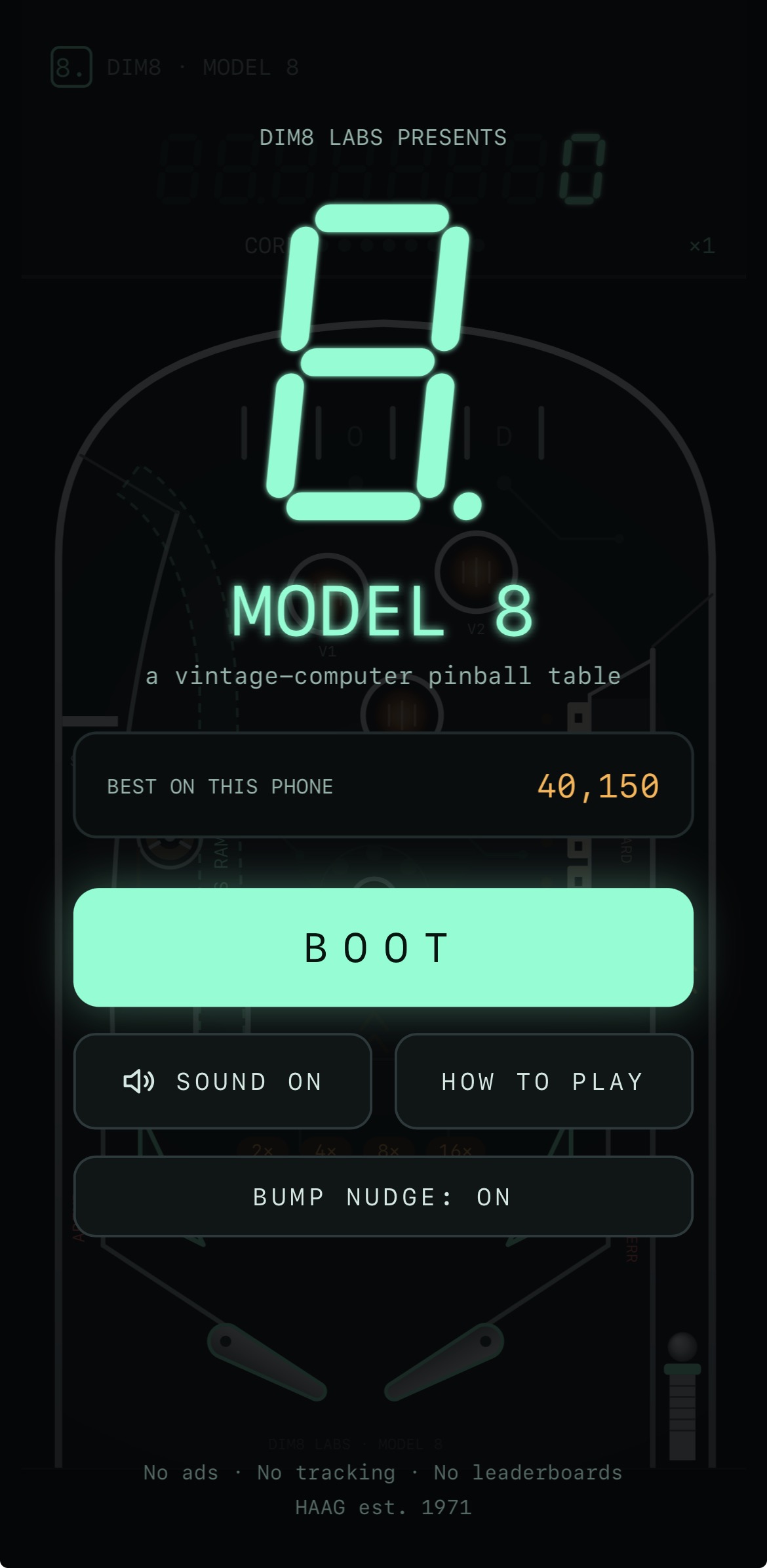
A vintage-computer-inspired pinball game, playable in the browser and installable as a Progressive Web App.
Product summary
- Game
- Vintage-computer-inspired pinball
- Table
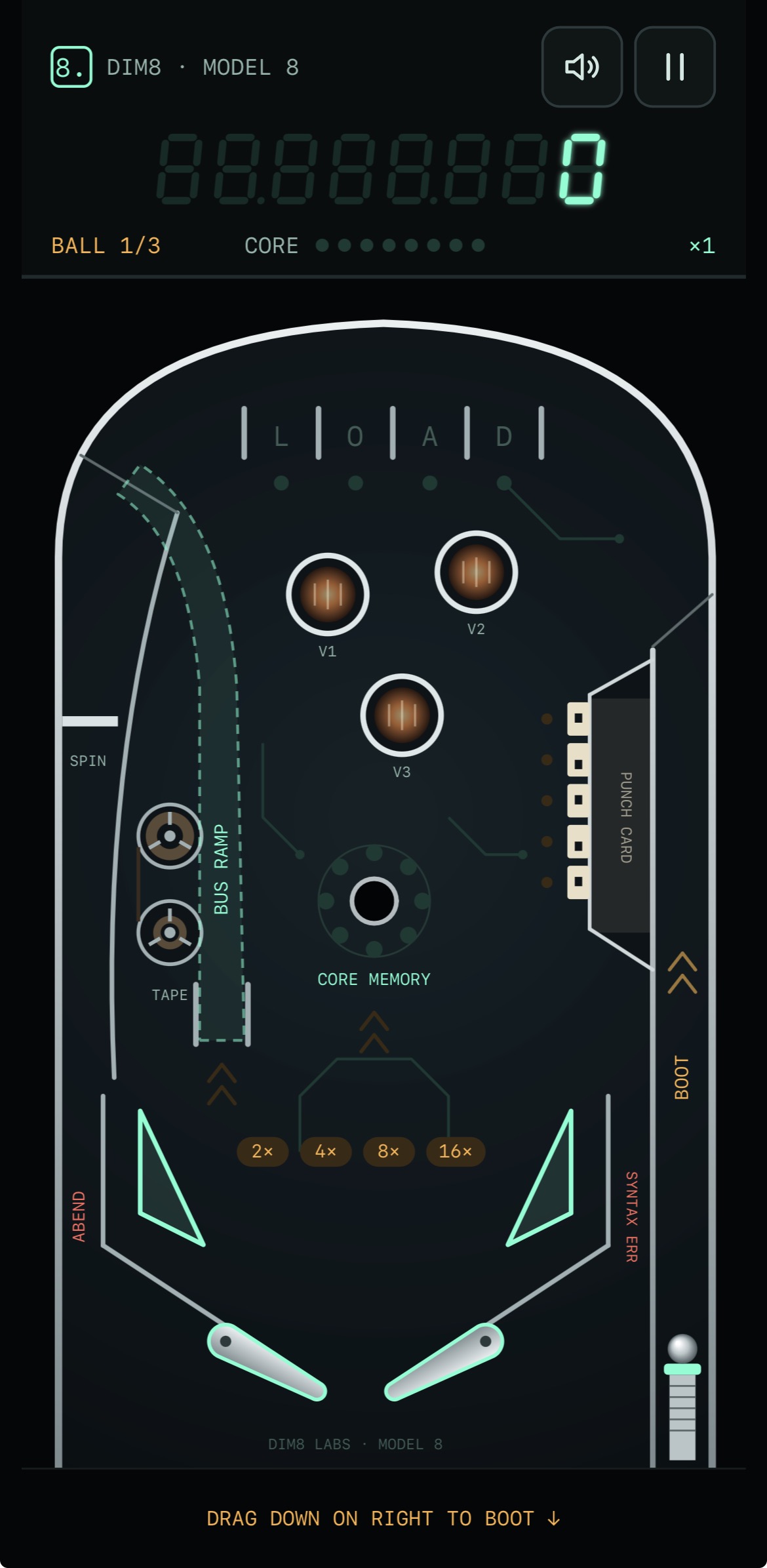
- Flippers, bumpers, a plunger, and a score display
- Scores
- Local best score on the start screen
The game
Pinball on the web
A pinball table with a vintage-computer look: flippers, bumpers, a plunger, and a score display, with your best local score waiting on the start screen. Press Boot and play.
It runs in the browser and installs as a Progressive Web App. The game is developed in its own repository; Source goes there.
Install
Install the web app
These steps install the current web app. The planned native iOS and Android apps are not yet available.
Safari
- Open dimension-eight-labs.github.io/model8-pinball/ in Safari.
- Tap Share. On some Safari layouts, tap Page Menu, then Share.
- Select Add to Home Screen.
- Enable Open as Web App, if presented.
- Tap Add.
Model 8 Pinball will appear on the Home Screen and launch as an app.
Google Chrome
- Open dimension-eight-labs.github.io/model8-pinball/ in Chrome.
- Open the three-dot menu.
- Select Install and create shortcut, Install app, or Add to Home screen. The label varies by Chrome version.
- Confirm installation.
Model 8 Pinball can then be launched from the Home Screen or app launcher.