Web / Progressive Web App
DIM8 Solitaire: Klondike
Classic Klondike Solitaire. Just the cards and the game.
The game, without the nonsense
No ads. No accounts. No leaderboards. No tracking. No data collection. Play online or install it as a Progressive Web App and enjoy it offline.
Platform availability
- Web / PWAAvailable now
- Native iOSPlanned
- Native AndroidPlanned
Features
- Classic Klondike Solitaire.
- Draw-one and draw-three modes.
- Multiple visual themes.
- Offline PWA operation.
- No advertisements.
- No accounts or leaderboards.
- No tracking or data collection.
Privacy
DIM8 Solitaire does not use accounts, advertisements, tracking, or data collection.
Screenshots
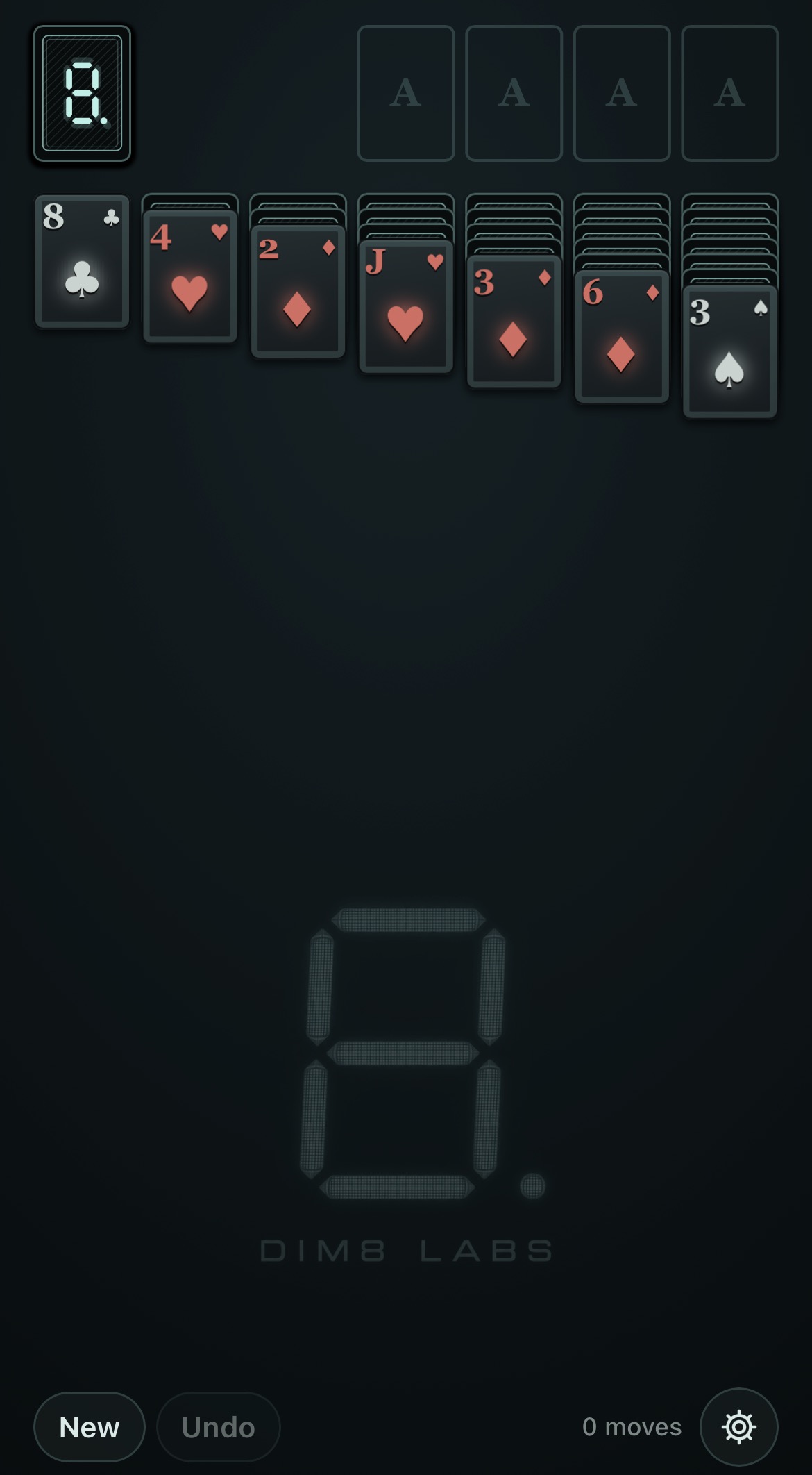
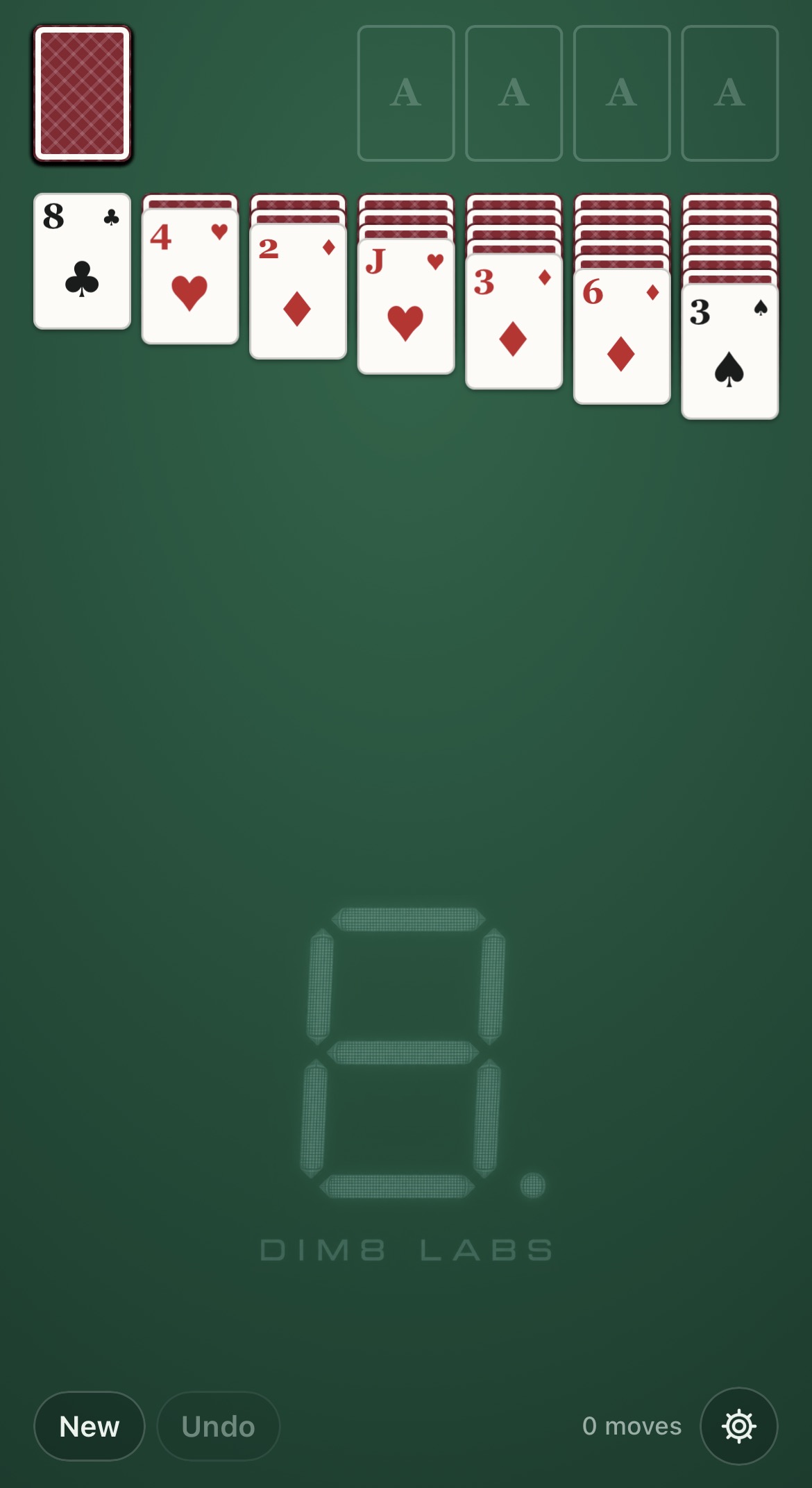
Install App
These steps install the current web app. The planned native iOS and Android apps are not yet available.
Safari
- Open rhaag71.github.io/klondike/ in Safari.
- Tap Share. On some Safari layouts, tap Page Menu, then Share.
- Select Add to Home Screen.
- Enable Open as Web App, if presented.
- Tap Add.
The game will appear on the Home Screen and launch as an app.
Google Chrome
- Open rhaag71.github.io/klondike/ in Chrome.
- Open the three-dot menu.
- Select Install and create shortcut, Install app, or Add to Home screen. The label varies by Chrome version.
- Confirm installation.
The game can then be launched from the Home Screen or app launcher.
After the initial load and caching complete, DIM8 Solitaire supports offline play.
Future improvements
Additional victory animations and celebrations.